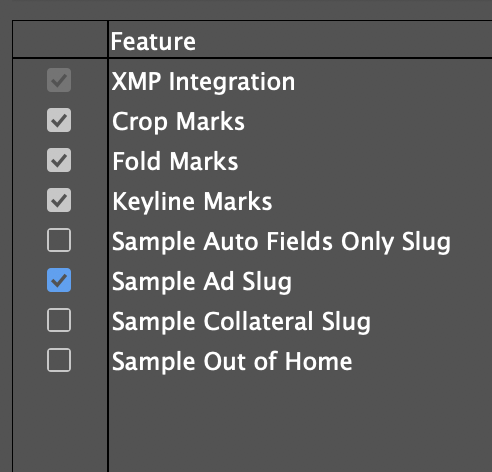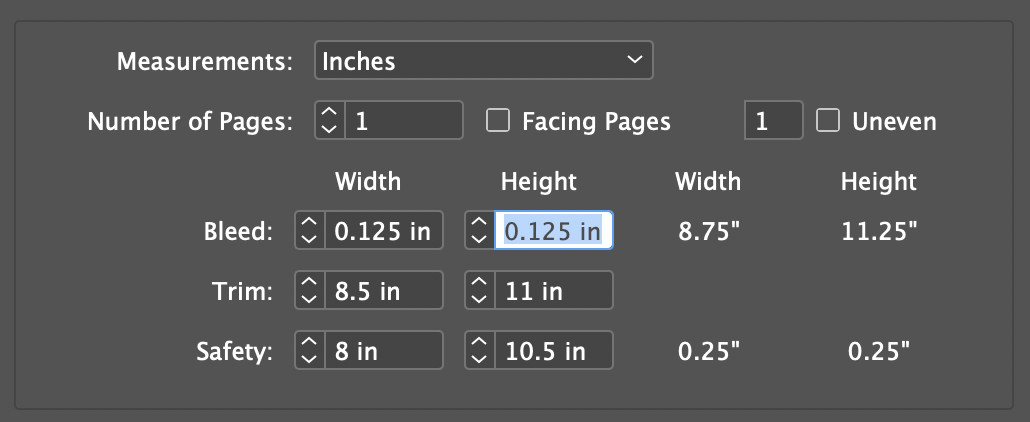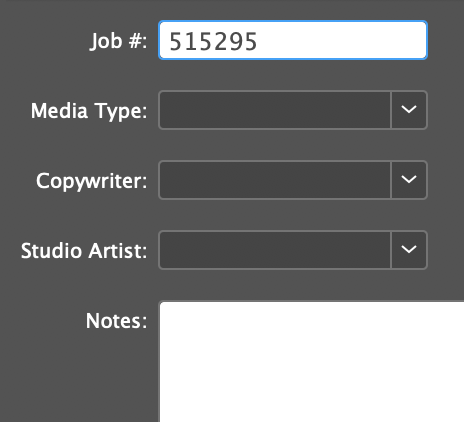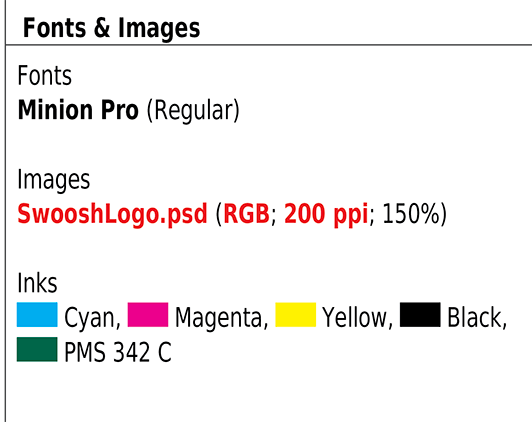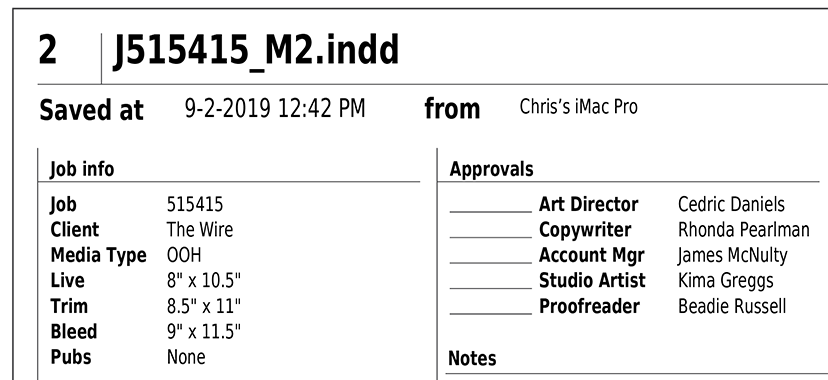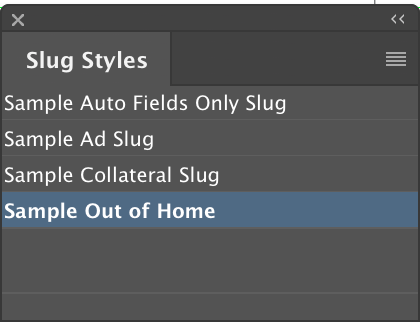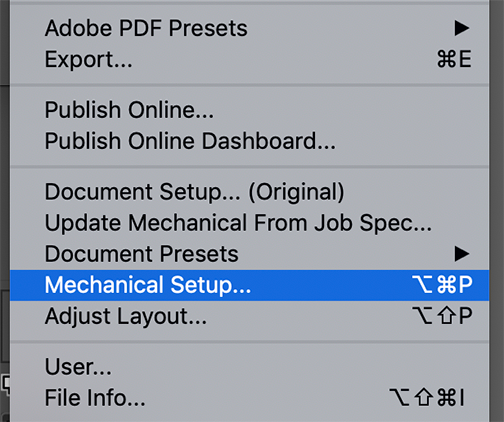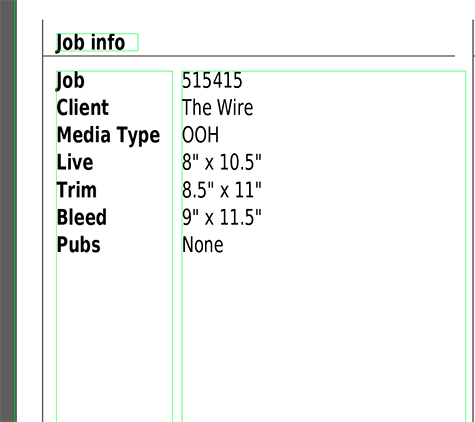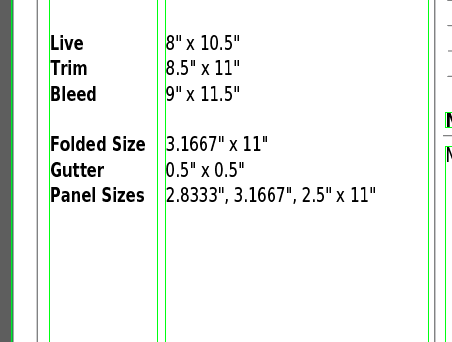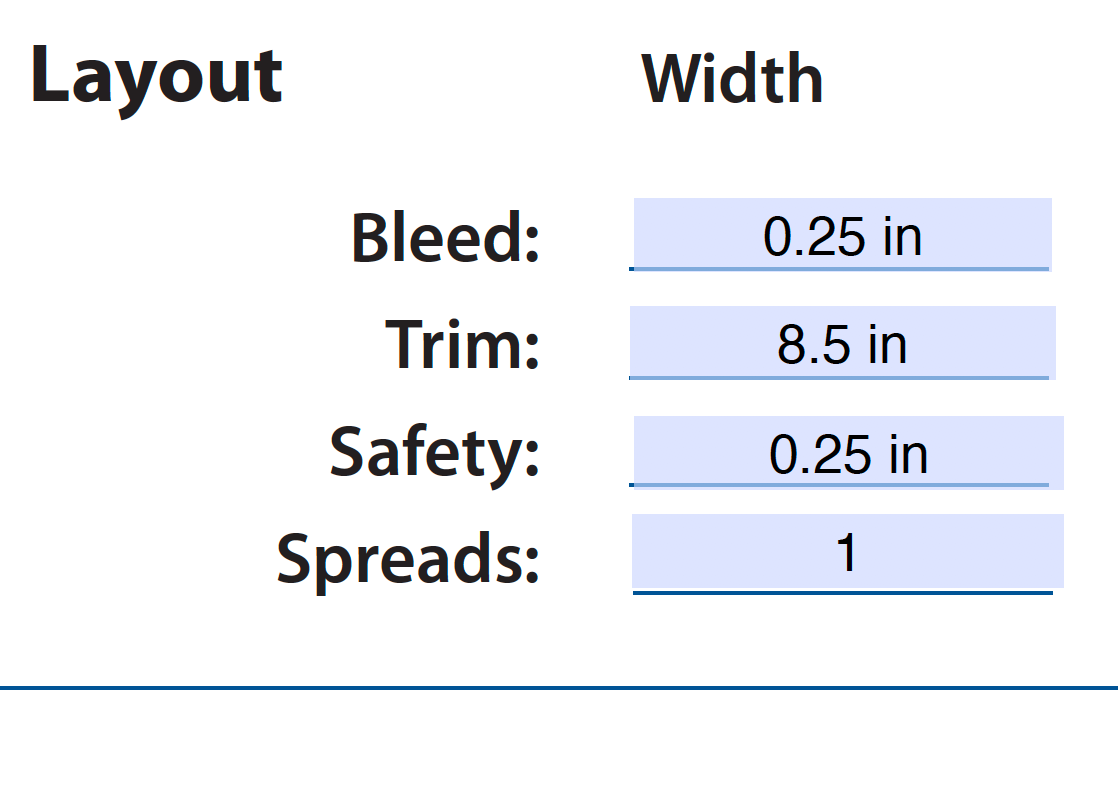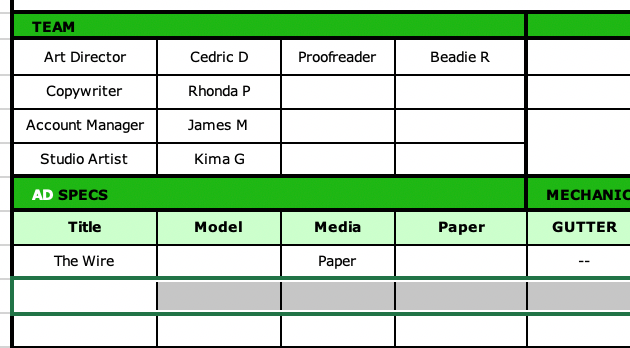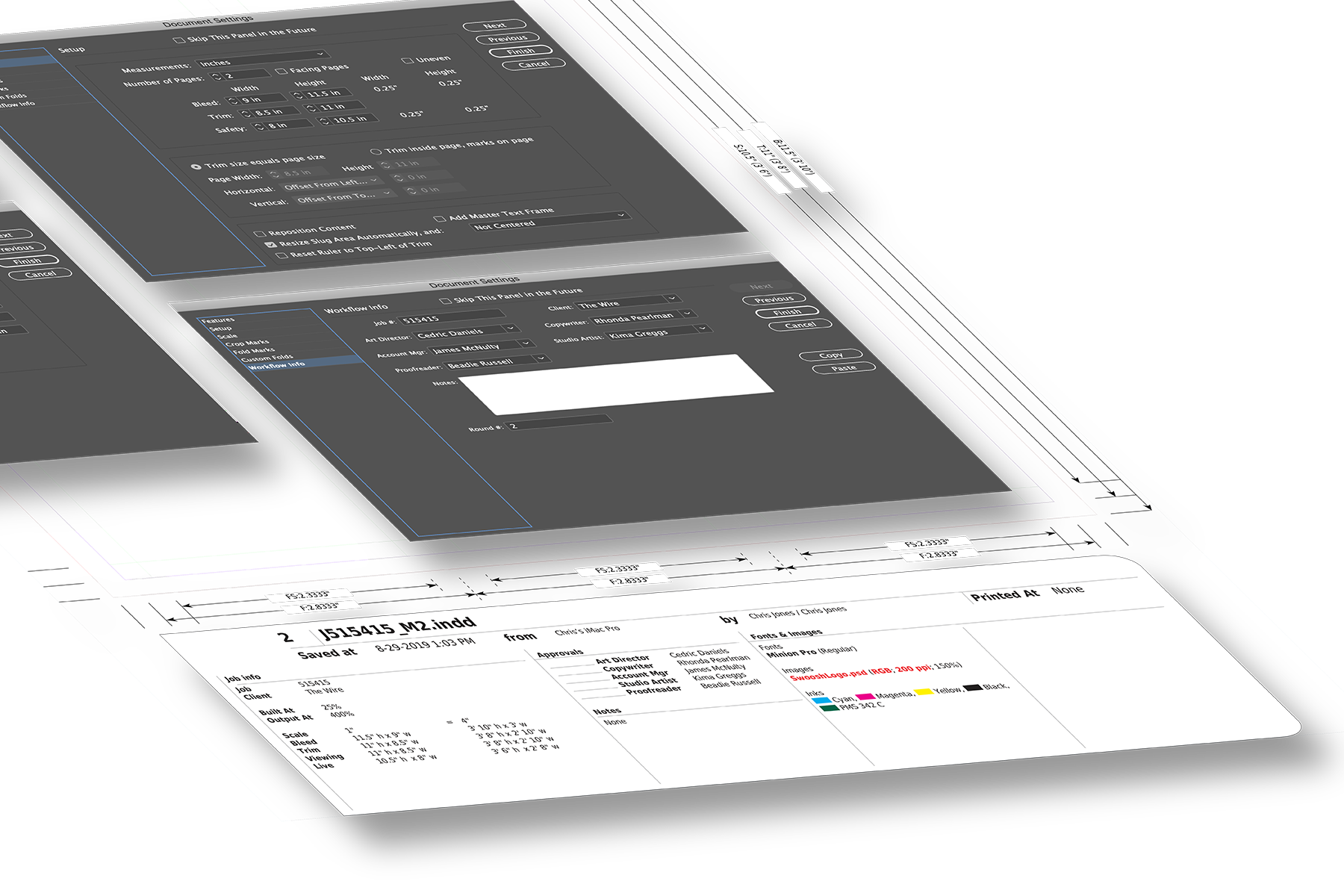
Mechanical Cubed helps studio artists to efficiently create mechanicals, resize them, preflight them and route them through the approval process.

Simplify Approval and Preflighting

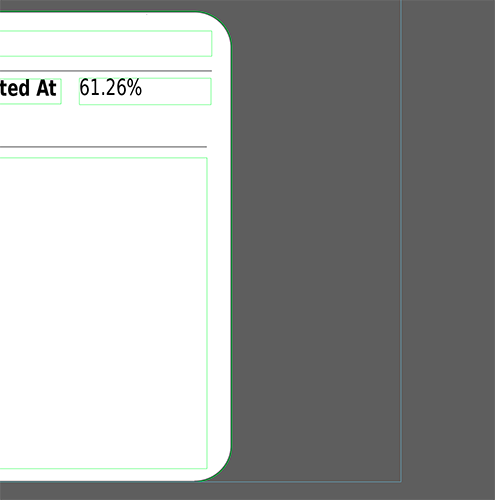
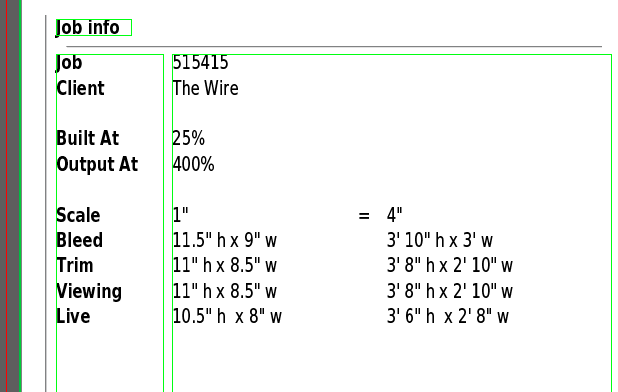
Maintain slugs that consistently display workflow status, approval, and preflighting information.

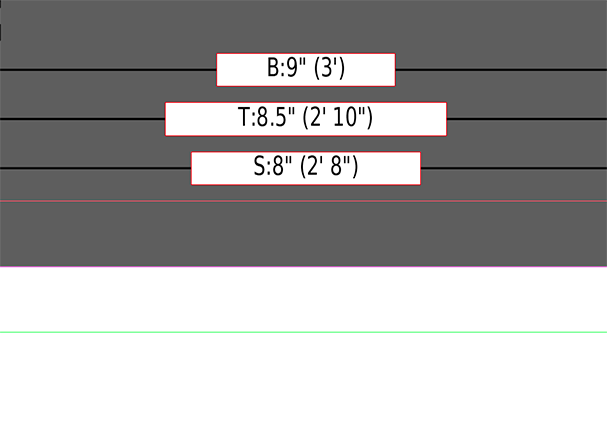
Add Crop and Fold Marks

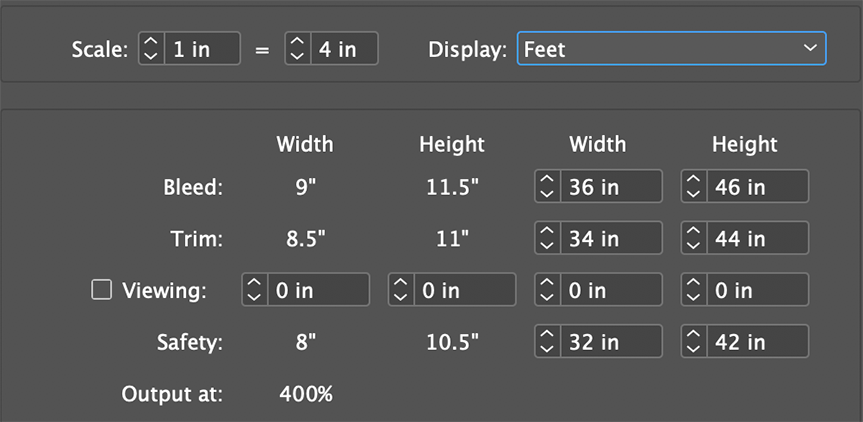
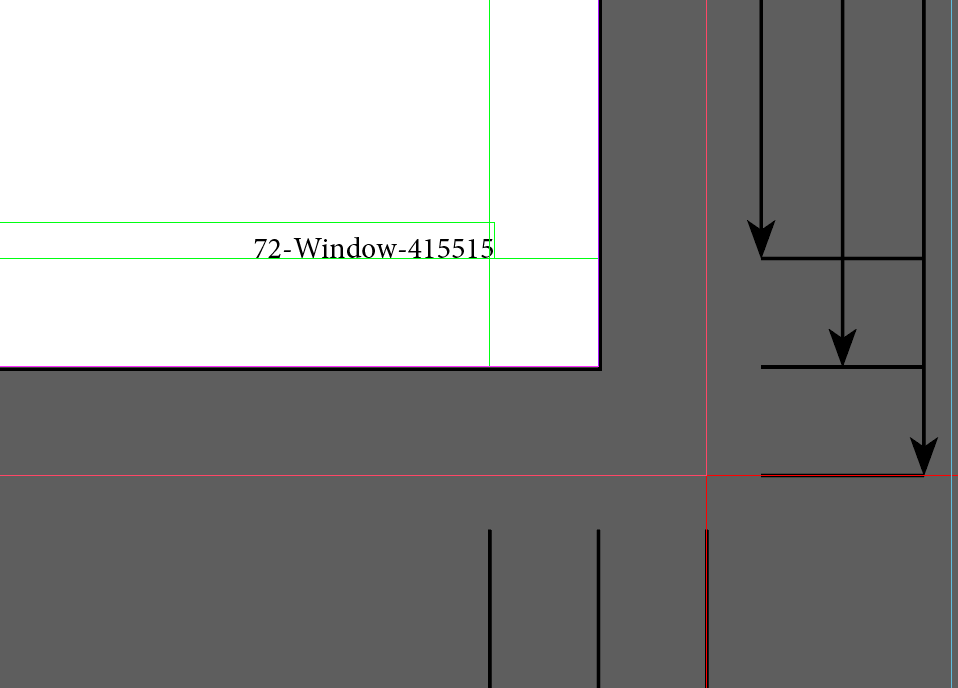
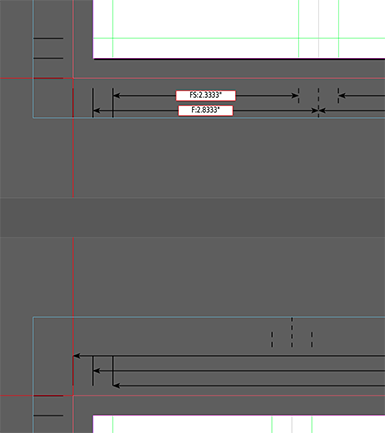
Add crop and fold marks that visually indicate key areas of the document. Resize the document easily.

Start jobs without typing

Use excel, Filemaker, or PDF job order forms to eliminate manual data entry when setting up mechanicals.

Integrate with Asset Management

All the information in your slug is exposed to common digital asset management systems using an Adobe standard called XMP.

Mechanical Cubed helps is deployed at over seventy five percent of large advertising agencies in North America. The case studies below describe some of the benefits of Mechanical Cubed.

mcgarrybowen - New York

"The Studio never has to worry about filling in any slug data or mistyping a measurement. The mechanical shell is created in seconds and the Studio can concentrate on content and layout."     Maria Shippee - Digital Systems Manager

Young and Rubicam - Southern California

"After one week we realized what a time saver we had on our hands and couldn't imagine how we worked all these years without it. Production artists were able to cut 5-10 minutes of setup time for each job that they worked on."     Zachary Plonski - Studio Manager

Buckledown Publishing - Iowa

"Mechanical Cubed made a very tedious and time-consuming task almost disappear. We easily spend 80% less time creating and updating job slugs."     Christina Nantz - Marketing Arts Director

McCann Erickson - New York

"Triple Triangle is a bridge that ties InDesign into our workflow in a complete way. This is obviously a huge time-saver. When the project manager gives us correct information, it remains correct three steps later and no one has to retype it."     Stefani Pagano - V.P., Mgr. of Digital Services

Purchase options

Mechanical Cubed is a suite of four components. This table shows the pricing for the entire suite, and for two components purchased separately:

Product Price Per User Functionality
Slug
Support
Crop
Support
Job Order
Integration
Asset Management
Integration
Mechanical Cubed $326
Slug Cubed $199
Crop Cubed $149

Which components make sense for you?

In general, if you only need a slug, or if you only need crop and fold marks, it makes sense to purchase those components by themselves. If you need any two components together, it makes more sense to purchase Mechanical Cubed. For example, if you plan to add both slugs and crop marks to your documents, it makes sense to purchase Mechanical Cubed.

Site licensing and volume discounts

Volume discounts are available for sites with at least five users. Every site has a single license key that is pre-installed with the software for convenient administration.

How to purchase

The purchase process typically starts with a trial. You can request a trial in the Get Started section. During the trial, we can send you a price quote which discusses return-on-investment based on your specific usage of the product.

System Requirements

Mechanical Cubed works with InDesign CS2 and CS3 on Macintosh.

How the Trial Process Works

Although Mechanical Cubed includes all the tools you need to customize your configuration, we typically setup the initial configuration for you at the beginning of the trial process. You will be able to try the software with your own custom configuration for around 30 days. For many customers, the trial deployment is good enough that they continue using it after they purchase.

There are no extra charges associated with any of the help available during the trial process. Help with configuration of the software is included in the purchase price.

The trial process typically works like this:

  • You submit the trial form below.
  • We review your answers, and send you an email offering a variety of configuration ideas/options.
  • You frequently (but not always) provide us with some files from your existing workflow (logos, existing manual slugs, job order forms, etc) or customize some 'starter' files that we send to you.
  • We send you a trial package which contains a fully functional trial of the software, including your custom slug(s) and configuration.

The Trial Process Does Not Involve Sales Followup

The trial process is very laid back and focuses only on configuring the software for your workflow. Most of the communication occurs by email, though we are happy to chat on the phone. If you request a price quote during the trial, we will send you one by email. Beyond that, there is no sales follow up. We never call or email to ask whether you are going to purchase.

Request a trial

You can get started by requesting a trial for InDesign CS3 or InDesign CS2

mcgarrybowen - A Triple Triangle Case Study

Triple Triangle's digital workflow tools enhance productivity and accountability during rapid growth

Challenge

mcgarrybowen was founded in 2002 by four principals with over 100 years of experience working with some of the world's biggest and most admired brands. The agency has rapidly won both praise and clients, winning AdWeek's 2005 President's award and exceeding $800M in annual billings. mcgarrybowen's rapid growth also created a challenge.

"What started out as a small shop turned into a full-blown agency almost overnight," said Maria Shippee, Digital Systems Manager at mcgarrybowen. "We were in need of a system that would complement our workload. Handwriting a paper work order or hollering orders over a wall is not a scalable workflow."

Solution

Maria recognized that Triple Triangle's Mechanical Cubed could help automate mcgarrybowen's studio workflow. Mechanical Cubed enables project managers to specify job details in PDF forms using Adobe Acrobat. Mechanical Cubed then reads the job specifications from the PDF forms and uses them to build mechanicals - including the document itself and the slug, crop and fold marks.

Typical of mcgarrybowen's lean, entrepreneurial culture, Maria went ahead and prototyped the solution herself. "The form only took me a few hours," she said. "After reading through the user guide, I redesigned our existing work order in InDesign, exported a PDF and then began coordinating the data fields with my slug. I was shocked when it worked on my first try!" Over time, Maria has refined her form and slugs. "I have since developed an additional form and corresponding slug for our out-of-home mechanicals."

Results

When Maria first deployed her solution, the most common reaction in the mcgarrybowen studio was "Sweet! You mean I don't have to type in all that stuff?" Beyond the immediate joy of avoiding tedious work, however, Mechanical Cubed offered substantial workflow benefits for mcgarrybowen's busy studio.

Establishing a Consistent Workflow

With paper job orders and manually maintained slugs, there are many opportunities for errors, omissions, and variations in the slugs and the information that they contain. The Mechanical Cubed workflow eliminates these problems. "The PDF form is the foundation of our digital workflow. It has allowed us to achieve the consistency and accuracy that any solid workflow requires. And there is a lot less paper floating around," explained Maria. "Now all of the slugs look the same no matter which project manager filled out the form."

Speeding Work

Mechanical Cubed has also enabled mcgarrybowen to work more quickly.

Mechanical Cubed "has completely freed the Studio from dealing with measurements. All sizes, calculations, folds and conversions happen instantaneously and are based on the information that the Project Manager enters on the PDF form," said Maria. "The Studio never has to worry about filling in any slug data or mistyping a measurement. The mechanical shell is created in seconds and the Studio can concentrate on content and layout."

Clarifying Responsibility and Enhancing Teamwork

Like many agencies that are using Mechanical Cubed, mcgarrybowen has found that automating the communication between project management and the studio helps the two departments work together more efficiently.

"The greatest change is that this workflow establishes accountability within departments. Each department has a specific function and the success of the job relies on each person doing their part correctly. This workflow demands communication and fosters teamwork and synergy," said Maria. Mechanical Cubed provides a technological framework that empowers the two departments to work together effectively.

Young & Rubicam Brands - A Triple Triangle Case Study

Mechanical Cubed eliminates five minutes of work per mechanical and reduces costly errors

Challenge

Young & Rubicam Brand's Southern California studio had long used a database system to plan and manage studio work. The database system worked well, but "all of the information that was on that database ticket had to be re-entered into our mechanicals and their slugs, which created room for human error," said Zachary Plonski, Studio Director for Young & Rubicam Brands in Southern California.

The disconnect between the database and the actual mechanicals resulted in errors that could be frustrating and costly for the entire team. "Simple errors like building a mechanical to the wrong size can cause hours of rework," said Plonski.

In addition to the cost of errors, the process of creating the document and manually entering data in the slug cost at least five minutes per mechanical. With some studio artists creating 20 mechanicals a day, the cost of manually setting up mechanicals added up.

Solution

The agency deployed Triple Triangle's Mechanical Cubed, which automatically creates mechanicals based on information in a database or a PDF form. By clicking a button in the database, studio artists can create a new mechanical in InDesign. The document setup and slug information are automatically established based on information in the database. The system was surprisingly easy to deploy. The initial time to design the slug took only a few hours, while the database integration took less than a week.

Results

Young & Rubicam Brands, Southern California was able to speed their work, eliminate costly errors, and ease their transition to InDesign by integrating their database with Mechanical Cubed.

Speeding Work

Mechanical Cubed helped the agency eliminate at least five minutes of tedious, error prone work for each mechanical.

"After one week everyone realized what a time-saver we had on our hands and couldn't imagine how we worked all these years without it," said Plonski, "Production artists in the studio were pleased with the outcome because they were now able to cut 5-10 minutes of set-up time for each job that they worked on. Their focus is now on the integrity of the ad, not the mechanics or the slug info."

Eliminating Costly Errors

Young & Rubicam Brands, Southern California was also able to eliminate a source of errors and clarify responsibilities within the overall team.

"The only chance for error now lies in the hands of the traffic coordinator entering the information into our database system," added Plonski, "As long as that information is correct, our mechanical's live, trim and bleed settings and it's slug information will match the database. Now we know that if the information is entered correctly in the database system, then the mechanical will be built correctly."

Easing the Transition to InDesign

Bryan Ickes, Vice President and Director of Information Technology at Young & Rubicam Brands, Southern California, added that Mechanical Cubed aided their transition to InDesign by giving studio artists a reason to switch. "The Triple Triangle’s software helped motivate our studio artists to learn and understand InDesign," he said, "Now, we cannot imagine working the way we used to."

Buckledown Publishing - A Triple Triangle Case Study

Mechanical Cubed reduces slug maintenance effort by 80%

Challenge

Buckle Down Publishing, a division of Haights-Cross Communications, has been producing state-specific test preparation workbooks and practice tests since 1982. The marketing collateral associated with each book is tagged with a slug. The slug contains complex information like ISBN numbers that are tedious and error prone to enter by hand.

Christina Nantz, Marketing Art Director for Buckle Down explained that prior to Mechanical Cubed, “maintaining slugs was very repetitive. We had to input the job information into our production schedule, then again into the slug, and then manually include proofing round information with each new printout.”

Solution

Mechanical Cubed allows publishers to create and update production documents with slugs, crop and fold marks using information from PDF forms, databases, and Excel spreadsheets.

In this case, almost all of the information in Buckle Down’s slug was already being entered into Excel. “Now we just enter our job information into our production schedule, which is an Excel spreadsheet,” said Christina. “We press a button and all the information flows into our InDesign slug seamlessly. Proofing round updates are much easier to make too, with the popup window that prompts us to enter proofing information.”

Christina was also pleased with how easy it was to integrate Mechanical Cubed into her existing workflow. “Triple Triangle helped me customize the product to our workflow,” she said. “We were up and running in no time at all. I gave my staff a quick five-minute tutorial on how to use the product and that was all the training they needed to get going.”

Results

Speeding Work

Mechanical Cubed helped Buckle Down reduce the amount of tedious and error prone work associated with creating marketing collateral. “We have been very pleased with Mechanical Cubed,” said Christina. “Their solution made a very tedious and time-consuming task almost disappear. We easily spend 80% less time creating and updating job slugs.” Christina concluded, “I would definitely recommend Mechanical Cubed for anyone who uses job slugs in their layouts.”

McCann Erickson - A Triple Triangle Case Study

Triple Triangle and Xinet Bring Accuracy to InDesign Workflow

Challenge

McCann Erickson wanted a way to grab information from a PDF form, use it to create mechanicals and automatically ingest that information into its digital asset management database. McCann developed the PDF form a few years ago to replace small handwritten slips of paper bearing guideline information for each mechanical. The PDF form included quick reference to details such as checkboxes for new mechanicals versus pickup mechanicals, and file locations.

Solution

To link the PDF form to an asset management system, McCann Erickson New York is implementing Xinet’s WebNative Venture, a digital asset management database, with Triple Triangle’s Mechanical Cubed, which will provide a single integrated workflow for creating and maintaining mechanicals, and the metadata associated with them.

The combination of Xinet and Triple Triangle eliminates the tedious task of entering metadata by extracting it automatically from a PDF form. That same metadata is then used to create a mechanical, complete with crop marks and slugs, and is automatically pulled into WebNative Venture in English word descriptions as searching criteria by agency, clients and studio personnel.

Results

Under the new workflow, which is in the process of being fine-tuned and deployed, Project Management will fill out the PDF form with mechanical specifications and email it the Studio, where it will automatically populate all the fields that the studio artists previously retyped when creating mechanicals. When the mechanical file is saved to the server, it auto-populates those same matching fields in the WebNative Venture database.

“This is obviously a huge time-saver. When the project manager gives us correct information, it remains correct three steps later and no one will have to retype it,or make sure they typed it correctly,” said Stefani Pagano, Vice President, Manager of Digital Services of McCann New York. “With the new system, we will gain access to information on the web about our mechanicals that we had no realistic way of obtaining otherwise.”